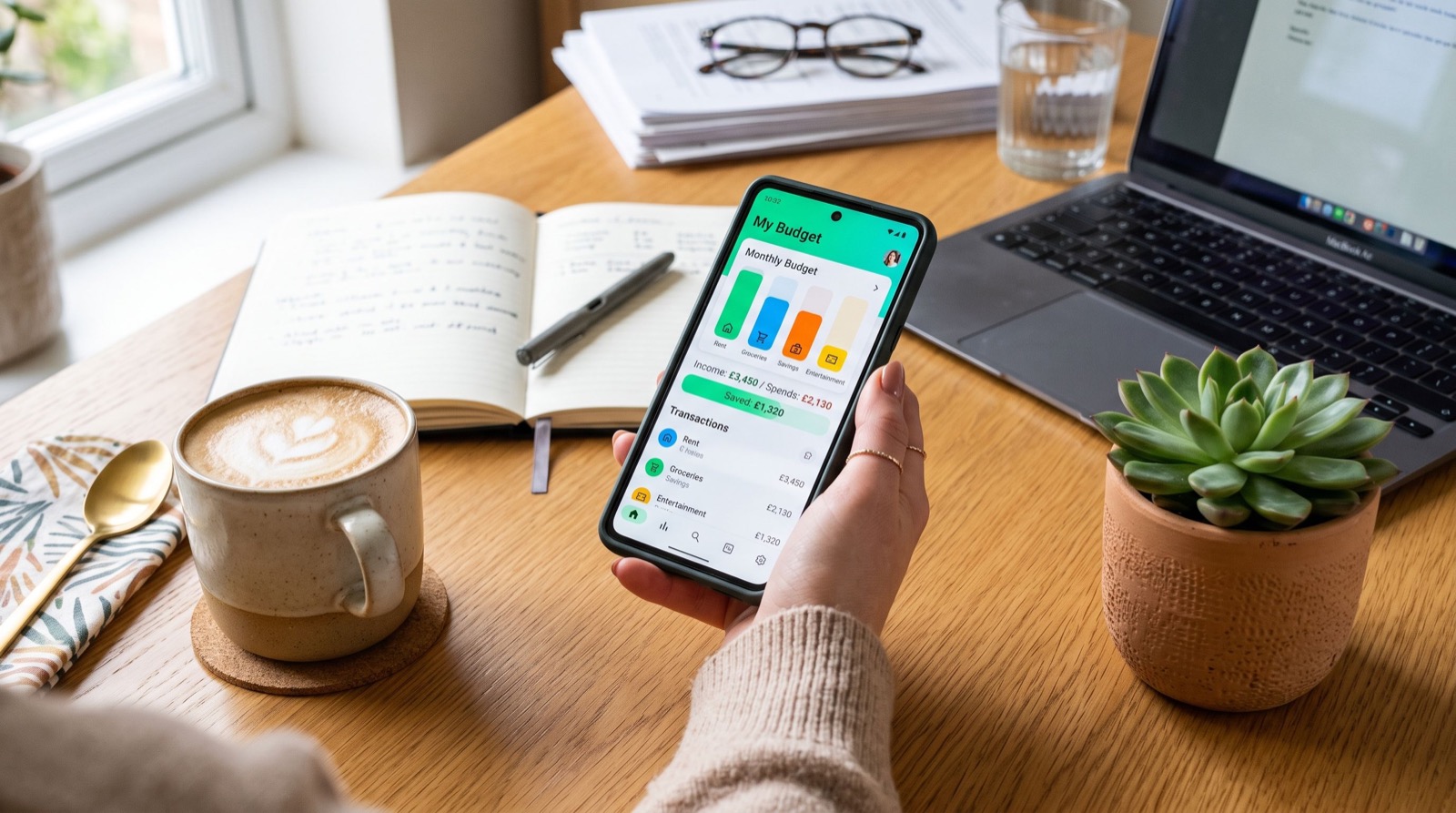
The Best Money Apps for Budgeting and Saving in 2026
Finding the best money apps is no longer a luxury reserved for spreadsheet enthusiasts. In 2026, the average American juggles rent, groceries, subscriptions, and short-term goals across several accounts, and the right budgeting tool turns that chaos into a clear picture. Whether you want to track daily spending, automate savings, or finally understand where your paycheck disappears, choosing the best money apps early in the year can reshape your entire financial habit loop. This guide walks through what actually matters when you pick one, how the top categories compare, and the mistakes that quietly cost people hundreds of dollars.
Money apps have matured well beyond simple expense logs. Today they sync with banks, categorize transactions automatically, nudge you before a bill hits, and even round up purchases into savings. The challenge is no longer finding an app; it is finding the one that matches how you think about money.
Why the Best Money Apps Matter More in 2026
Inflation pressure and rising subscription creep have made passive spending the biggest silent leak in household budgets. According to the U.S. Consumer Financial Protection Bureau, consumers who actively monitor their accounts are far more likely to catch unauthorized charges and avoid overdraft fees. You can read their consumer guidance at the CFPB official site, which outlines your rights around digital payments and error resolution.
The best money apps give you three things at once: visibility, automation, and accountability. Visibility shows you the truth about your spending. Automation removes the willpower problem by moving money before you can spend it. Accountability, through alerts and weekly summaries, keeps you engaged long enough to build a habit. When an app delivers all three, it stops being software and becomes a financial coach in your pocket.
Categories of Money Apps and What They Do Best
Not every app is built for the same job. Before you download anything, decide which category fits your immediate goal. Here is how the main types break down.
- Budgeting trackers: Pull in your transactions, sort them into categories, and show monthly trends. Ideal if you feel out of control and need a mirror.
- Automated savings apps: Round up purchases or sweep small amounts into a savings bucket without you noticing. Perfect for people who struggle to save manually.
- Peer-to-peer payment apps: Send and receive money instantly. If you split rent or pay freelancers, this is your daily driver.
- Investing starters: Let beginners buy fractional shares with spare change, lowering the barrier to the stock market.
- All-in-one wallets: Combine payments, savings, and basic investing in one dashboard for people who want fewer apps.
Many beginners start with a peer-to-peer tool because it solves an immediate need, then grow into budgeting and investing features. If you are in that camp, a clear, beginner-friendly Cash App guide can help you understand fees, instant transfers, and security settings before you move real money.
How to Choose Among the Best Money Apps
Picking the right tool is less about brand names and more about fit. Use this quick numbered checklist to narrow your options in under ten minutes.
- List your top goal. Is it tracking, saving, sending, or investing? Choose the category first.
- Check the fees. Instant transfers, ATM withdrawals, and premium tiers can add up. Read the fine print.
- Confirm bank compatibility. The app is useless if it cannot connect to your institution.
- Test the interface. If logging an expense feels tedious, you will quit within a week.
- Review security. Look for two-factor authentication, encryption, and FDIC-insured partner banks.
- Start free. Prove the app earns a paid upgrade before you pay.
Teams that manage finances at scale often lean on the same discipline. When a growing company hires an experienced local team to handle a complex move, they still start with a clear goal, a budget, and a checklist. The principle is identical whether you are relocating an office or organizing your personal cash flow: structure beats guesswork.
Comparing Features Side by Side
The table below shows how the main app categories stack up against the features that matter most to everyday users in 2026.
| App Type | Best For | Automation | Typical Cost |
|---|---|---|---|
| Budgeting tracker | Seeing spending clearly | Medium | Free to low monthly |
| Automated savings | Building a cushion painlessly | High | Free to small fee |
| Peer-to-peer payments | Sending money fast | Low | Free; fees for instant |
| Investing starter | Beginners with spare change | Medium | Free to low |
Common Mistakes People Make With Money Apps
Even the best money apps fail when used carelessly. The most frequent error is downloading three apps at once and abandoning all of them by February. Pick one, use it for a full billing cycle, and only then add another. The second mistake is ignoring notifications. Alerts about low balances or unusual charges exist to protect you, and silencing them removes the app’s biggest benefit.
A third trap is treating automated savings as untouchable magic. Automation works, but you still need to confirm the transfers do not trigger overdrafts in your checking account. Start with small round-ups and scale up once you trust the rhythm. Finally, people forget to review their subscriptions. A good budgeting app surfaces recurring charges you forgot about, and canceling even two unused services can fund your savings goal for the month.
Frequently Asked Questions
Which of the best money apps is right for a complete beginner?
Start with a simple budgeting tracker or a peer-to-peer payment app, since both solve immediate, visible problems. Once you are comfortable checking your balance daily, add an automated savings feature. Layering tools gradually prevents overwhelm and builds a lasting habit.
Are money apps safe to link to my bank account?
Reputable apps use bank-level encryption and partner with FDIC-insured institutions. Always enable two-factor authentication and review the app’s privacy policy. The CFPB recommends monitoring your statements regularly and reporting errors promptly to protect your funds.
Do I have to pay for a good budgeting app?
No. Many of the best money apps offer robust free tiers that cover tracking, alerts, and basic savings. Paid plans add perks like advanced reports or higher transfer limits, but you should prove the free version earns its place first.
How many money apps should I actually use?
For most people, one or two is enough: a budgeting or payment app plus an automated savings tool. Using too many fragments your attention and makes it harder to see your full financial picture in one place.
Final Thoughts and Next Steps
Choosing from the best money apps in 2026 comes down to matching the tool to your goal, respecting the fees, and committing to a single app long enough to build a habit. Start by tracking your spending for one month, automate a small savings transfer, and only then expand into investing or additional tools. Small, consistent actions compound faster than any flashy feature. Explore trusted comparisons, read a clear setup guide before linking your accounts, and take the first step today. Your future balance will thank you for the five minutes you spend now.